The 2022 Getscreen.me year-in-review summarizes major feature releases, product improvements, and platform growth milestones across the remote desktop ecosystem.
The latest Getscreen.me update introduces Single Sign-On (SSO) for easier authentication and faster file transfers during remote sessions. Additional improvements include simplified device setup, stronger security protections, and overall performance optimizations for remote desktop workflows.
Enterprise teams can now deploy Getscreen.me agents across multiple devices using mass deployment tools such as Active Directory scripts and MSI packages. New enterprise features also include enhanced security policies, faster file transfers, and improved device management.
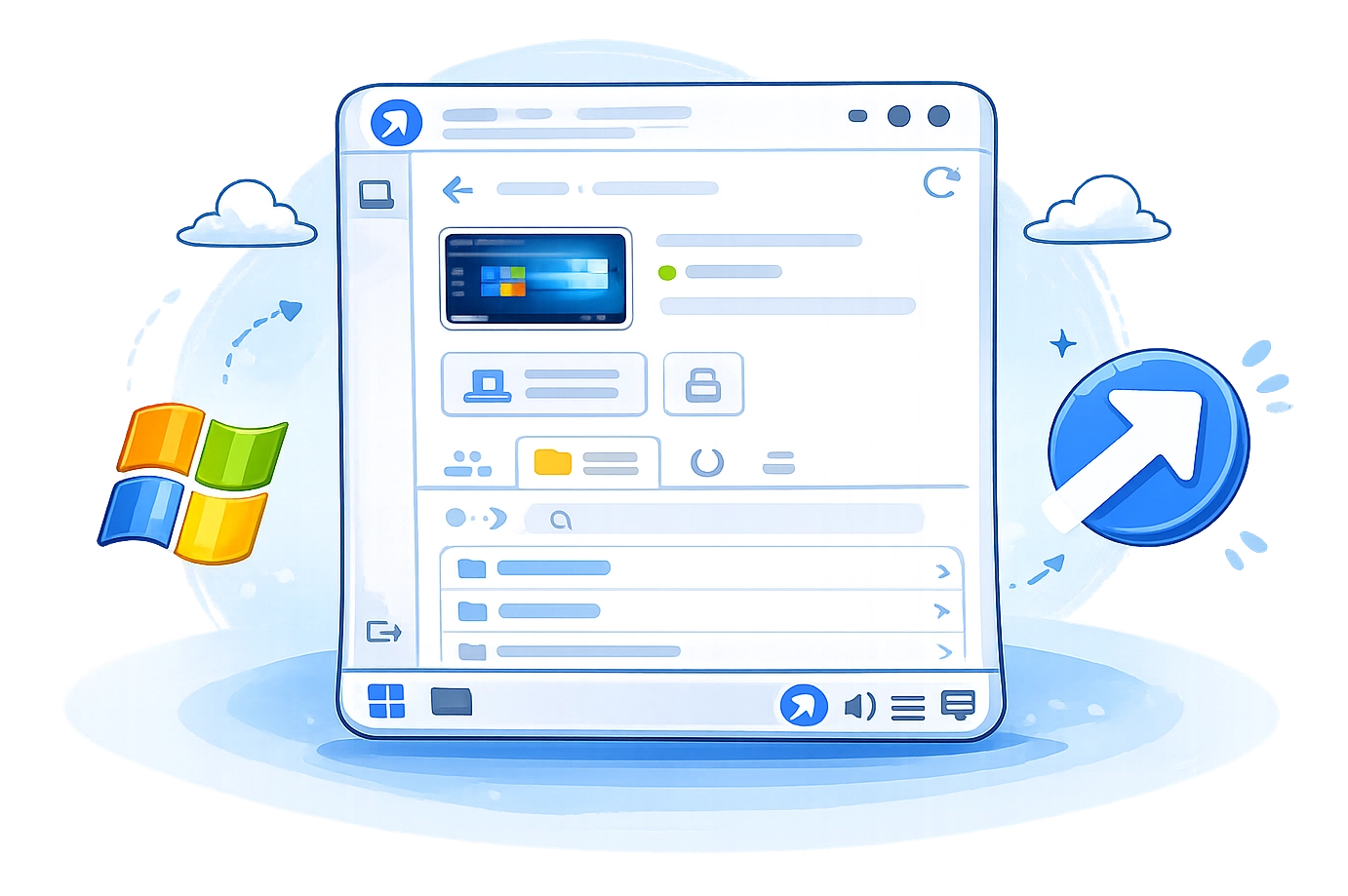
The Getscreen.me desktop dashboard for Windows provides a centralized interface for managing remote devices and support sessions. It allows users to quickly connect to computers, monitor device status, and organize remote access workflows.
Custom domains allow organizations to personalize remote access links used for support sessions. With branded connection URLs, companies can deliver a consistent support experience while strengthening trust and security.
Getscreen.me now allows remote control of Android devices outside of beta. Technicians can connect to Android smartphones and tablets to troubleshoot issues, provide support, and manage mobile devices remotely.
Two-factor authentication using Google Authenticator adds an additional layer of security to Getscreen.me accounts. This helps protect remote desktop sessions and prevent unauthorized access to remote devices.
Managing remote access across a growing company just got a whole lot easier. With our new Team Accounts, you can bring all your employees into one workspace while keeping access organized and secure.
The Quick Support Chrome extension makes it easier to start remote support sessions directly from the browser. Users can generate connection links instantly and help clients without installing additional software.