
Share Getscreen.me on Social Media and Unlock Extra Features
Remote support works best when users share knowledge, workflows, and useful tools with each other. Every repost, mention, and recommendation helps more IT specialists, MSP teams, system administrators, and support engineers discover faster remote access solutions.
Getscreen.me continues to grow thanks to real users who actively share their experience with the product. To express how we appreciate community members for their support, Getscreen.me offers additional account perks for everyone who shares company posts on LinkedIn or Facebook and tags the official page.
The process takes only a few minutes. In return, participants receive extra functionality that improves the remote access experience.
Why Participate
Social media reposts help Getscreen.me reach new audiences through real professionals instead of traditional advertising. This creates higher trust, stronger engagement, and more visibility inside the IT community.
Participants also benefit directly. Sharing content allows users to unlock premium features that improve daily remote work, simplify support sessions, and add more flexibility to their account.
This program is useful for:
- IT support specialists: additional features help resolve client issues faster, manage more support sessions, and improve communication during troubleshooting.
- MSP companies: rewards functionality makes it easier to support multiple clients, manage larger device infrastructures, and optimize remote maintenance workflows.
- System administrators: features such as Wake-on-LAN, Connection History, and Reboot without reconnection simplify infrastructure management and remote administration tasks.
- Remote teams: enhanced remote access capabilities improve collaboration, device accessibility, and productivity for distributed employees and departments.
- Technical consultants: extra tools help deliver smoother remote demonstrations, consultations, onboarding sessions, and technical assistance for clients.
- Existing Getscreen.me users: the program provides a simple way to expand account functionality, get extra perks, and improve the overall remote access experience without changing the existing workflow.
How the Program Works
Step 1. Follow Getscreen.me on Social Media
Visit the official LinkedIn page of Facebook and start following Getscreen.me.
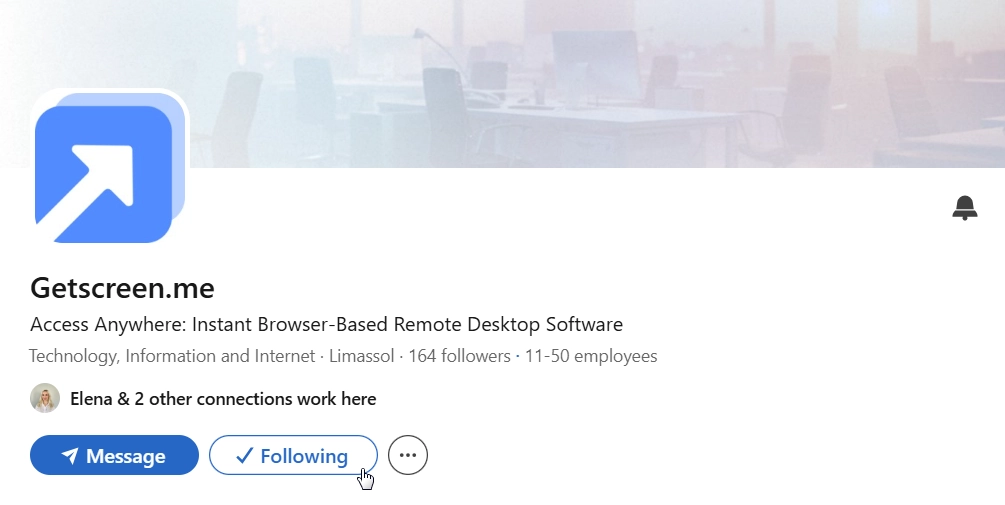
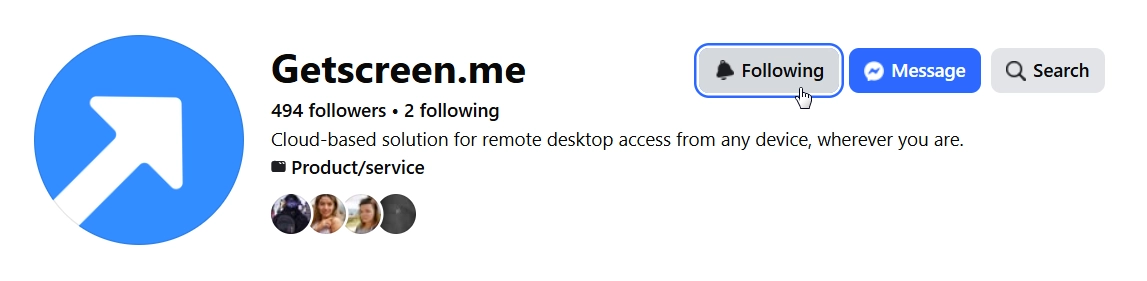
Not only it allows you participants to get extra bonuses but also stay updated with essential remote support tips, critical product updates, new feature releases and security recommendations.
Note
We regularly share IT workflow insights as well as partner news and case studies that you will find helpful.
Step 2. Choose a Post to Share
Select a post that matches your interests, expertise, or professional audience.
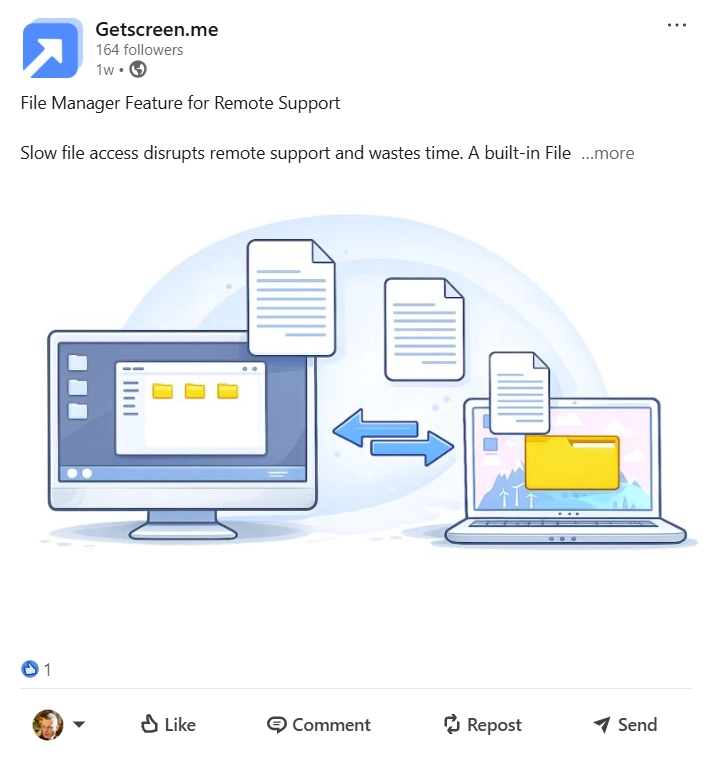
You are free to select any topic to repost from the following categories:
- What’s New: company’s news, certifications, participation in different events, product updates, and new features rolled out.
- Product Guides: in-depth feature descriptions, detailed tutorials and insights to let you better know how our remote access solution works.
- Success Stories: case studies and best practices based on real-life examples.
- Industry Landscape: here we share our expertise on how we see the future IT-landspace in the context of remote access and support.
Note
Choose the topic that correlates mostly with your expertise or feels natural and valuable for your own audience.
Step 3. Like and Repost the Publication
Press like and repost a selected topic to your feed.
Here are some helpful tips for better engagement:
- Add a short personal opinion.
- Share your own experience with remote support.
- Explain how Getscreen.me helps your workflow.
- Mention practical use cases.
- Write a few sentences for your audience.
Posts with personal insights usually receive more views and engagement than simple reposts.
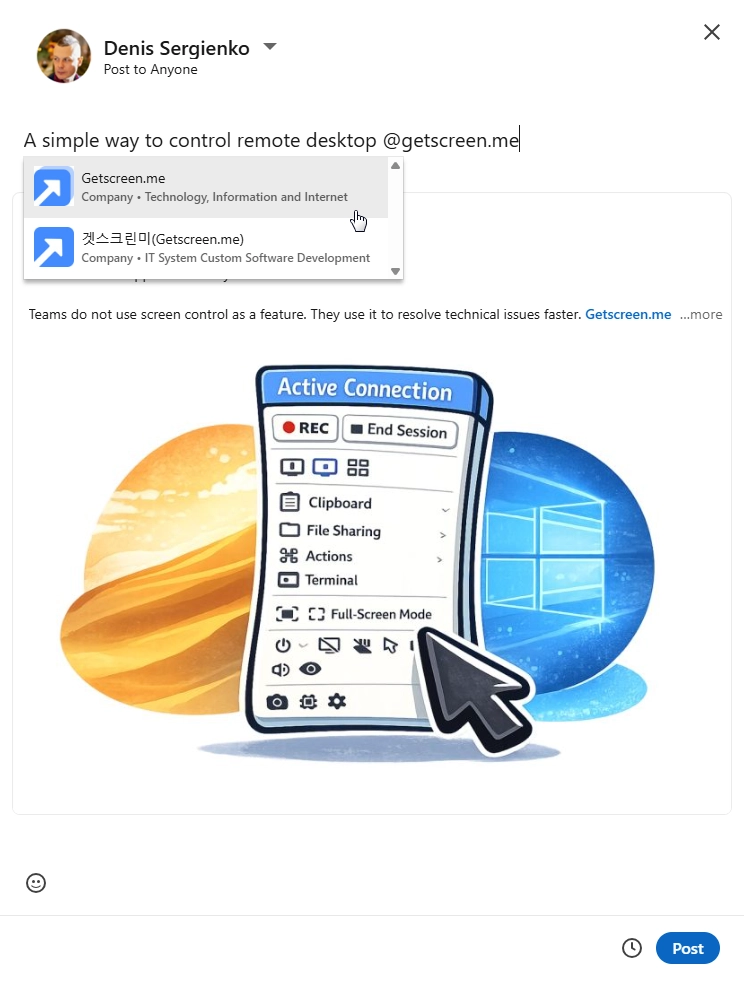
Important
Tag Getscreen.me in your repost using the “@” mention. This step confirms that the repost is publicly visible and allows the team to verify participation.
Step 4. Claim Your Bonus
Once the repost is live, submit your participation using the official reward form.
Here you will need to:
- Indicate your email address.
- Provide a link to the repost.
- Attach a screenshot of the repost.
- Select a preferred bonus feature.
Note
Once you’ve completed the verification process, the selected reward will be automatically added to the account.
Rewards to Claim
After sharing a post and tagging Getscreen.me, participants can choose one bonus feature from the following list:
- 1 extra Permanent Access Device.
- 1 extra Quick Support Invitation per day.
- Increase transferred file size to 4 GB.
- Black Screen Mode.
- Reboot without reconnection.
- Voice Calls.
- Connection History.
- Wake-on-LAN.
These features help users work faster, manage more devices, improve security, and provide a better remote support experience.
Join the Getscreen.me Community
Every repost helps expand the professional remote support community around Getscreen.me.
A few minutes can unlock additional features, improve your account capabilities, and help more professionals discover secure and simple remote access tools.
Start by following the official LinkedIn or Facebook page, choose a post you like, share it with your audience, and claim your reward.