Skip to content

Product Guides

Practical guides to help you get the most out of Getscreen.me. Learn how to use remote desktop features, configure access, manage devices, and organize remote support workflows step by step.

Remote Access Pricing Plans Explained: Selecting the Best Fit

Getscreen.me offers flexible remote access pricing plans designed for personal users, small teams, growing businesses, and large enterprises. The free version provides essential browser-based remote access tools with unlimited session duration and support for up to two remote devices. Business plans include Standard, Advanced, and Enterprise options, each focused on different levels of scalability, device management, security, and administrative control. Companies with strict compliance requirements can also choose a self-hosted solution. Individual users may benefit from the Personal Lifetime Plan. Additional scaling options, discounts, and a pricing calculator help businesses customize the platform according to their operational needs.

How File Manager Improves Remote Access Work

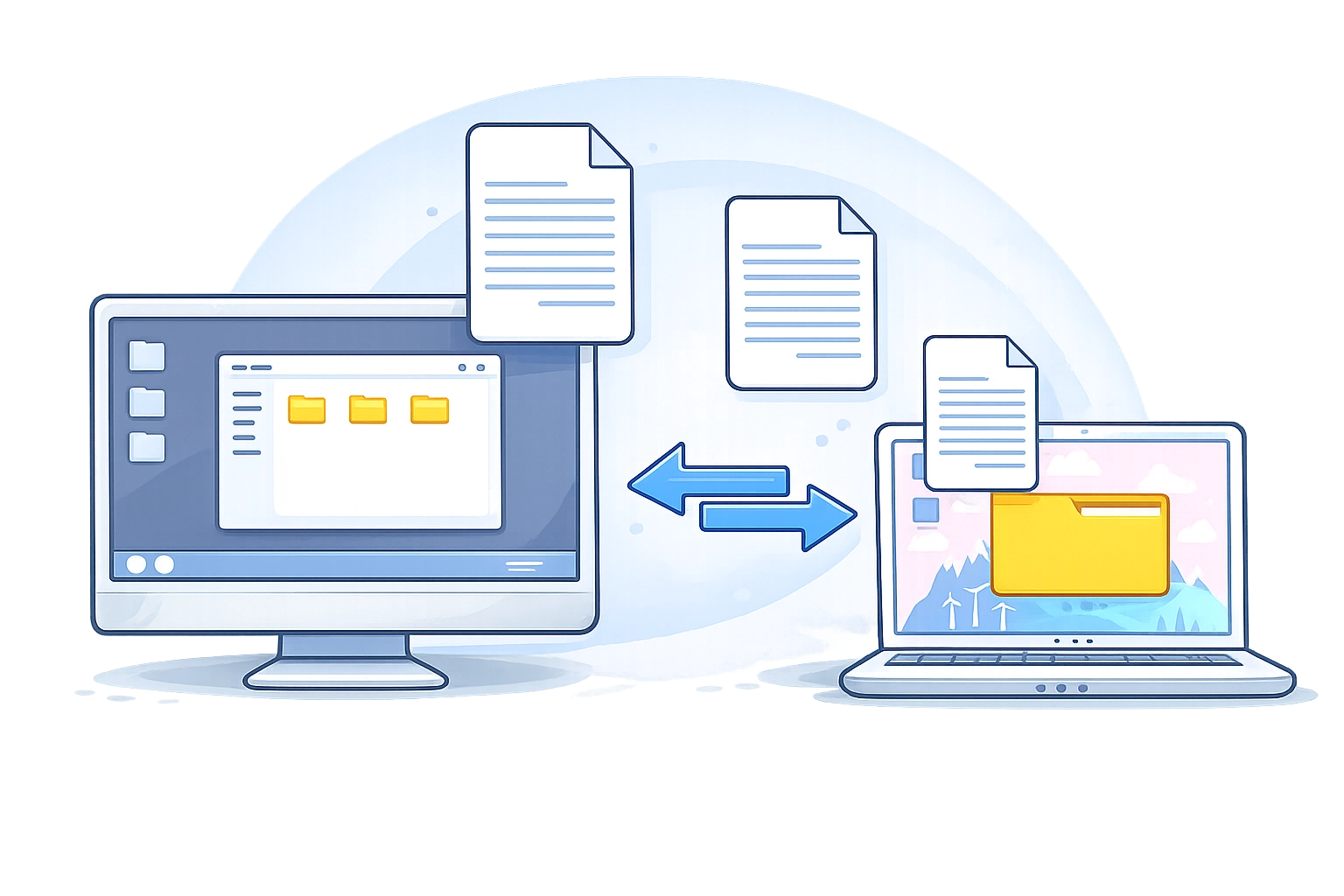
A built-in file manager simplifies remote access and removes delays in remote support. Technicians get direct control over files without guiding users or switching tools. Dual-pane access allows fast navigation between local and remote systems. File upload and download become instant actions without interrupting the session. Connection history and records ensure full transparency and control over every operation. This approach improves speed, accuracy, and overall support efficiency.

How Teams Use Screen Control in Getscreen.me

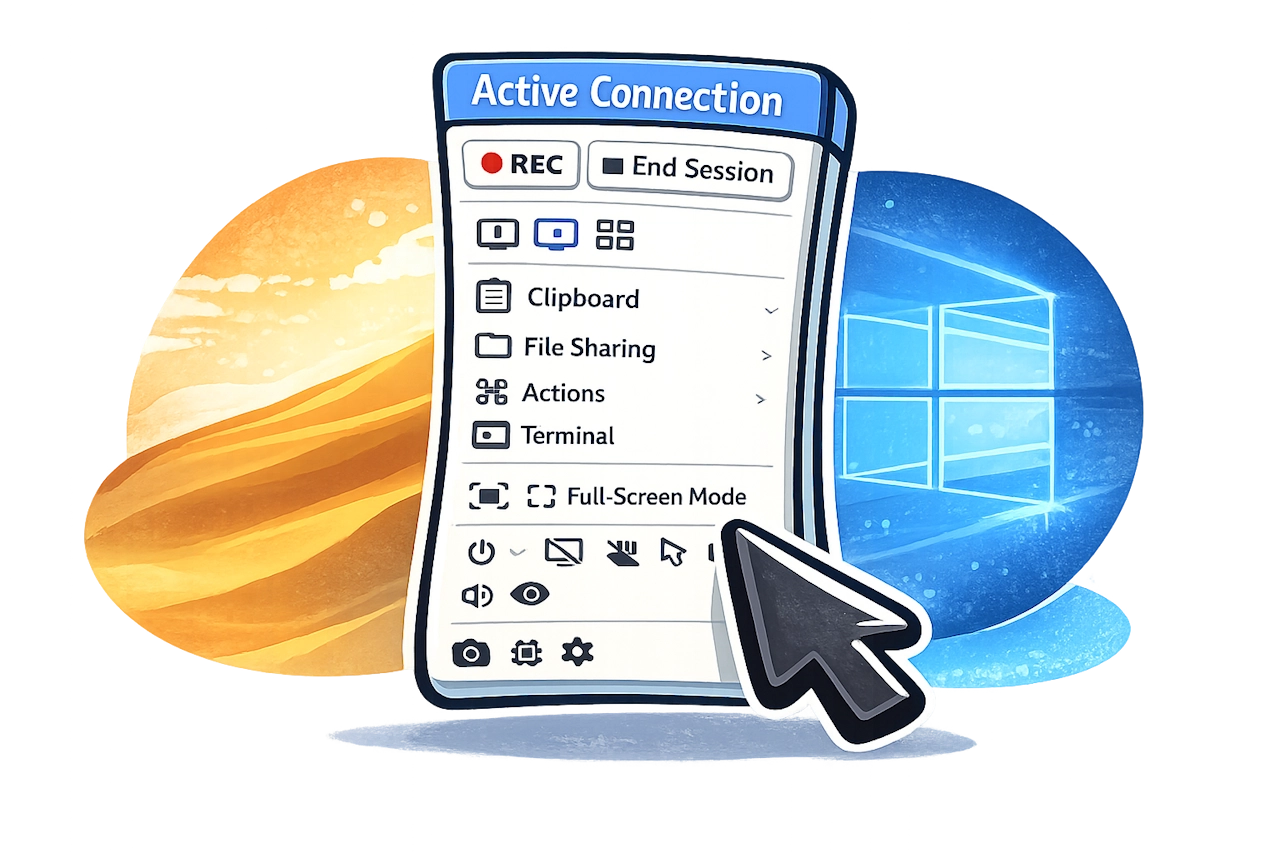
Screen control helps teams resolve issues faster by providing direct access to remote devices. It removes delays caused by long explanations and allows specialists to see and fix problems in real time. Teams can use browser-based access with a Chrome extension for quick support sessions or desktop software for and deeper control. This flexibility supports both short-term tasks and long-term infrastructure management.

Remote Access Analytics: A Practical View for Technical Teams

Remote access analytics helps teams understand how remote sessions actually perform. It transforms raw connection data into structured insights about technicians, devices, and workflows. In a Getscreen.me environment, analytics is handled as a separate layer to preserve speed and system stability. Data is extracted via API, stored in an intermediate layer, and visualized using external tools. This approach allows flexible reporting and deeper analysis without limiting performance. As a result, teams improve efficiency, reduce resolution time, and make decisions based on real data instead of assumptions.

Custom Roles in Remote Desktop Software: Structuring Team Access in Getscreen.me

If your remote desktop software account still runs on shared admin rights, you're building technical debt. The new Technicians and Access Rights system in Getscreen.me introduces custom roles that let you separate connection work, device management, and policy control. This article explains how to structure team access properly, practical delegation patterns, common mistakes, and how to move from informal remote access to policy-driven governance.