Q1 2026 Product Updates: Deeper Integrations, Smarter Access, Better Insights
Hi there 👋
Here’s a quick overview of what we’ve been building in Q1 at Getscreen.me — focused on deeper integrations, better access control, and more visibility into your remote operations.
Main Update: Enhanced HTTP API Capabilities
We’ve significantly expanded our HTTP API to make integrations with your internal tools, SaaS platforms, and external services more flexible and powerful.
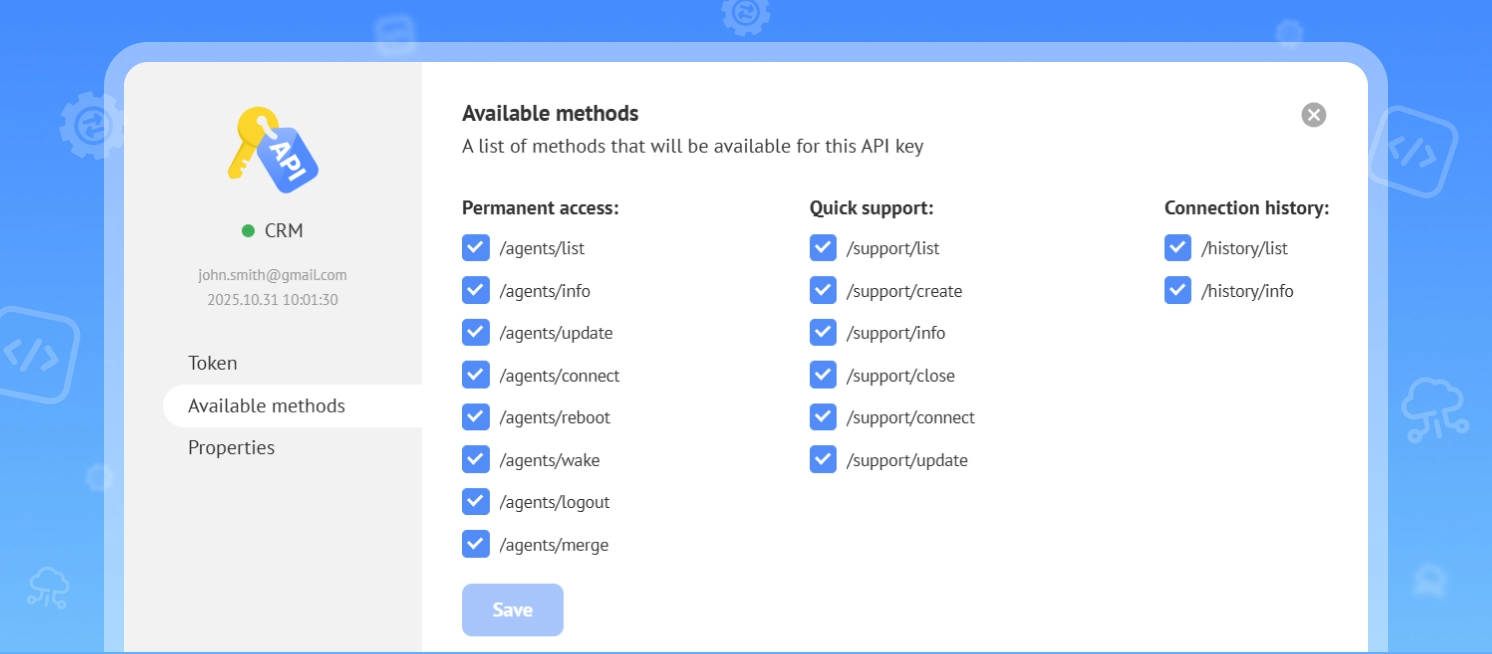
Throughout the quarter, our team focused on improving how remote access workflows can be embedded directly into your own products — without relying on external interfaces.
Why it matters
Fine-grained permissions give large teams better control over access. Security is improved by keeping everything within your own environment, while workflows become smoother with no need to switch tools or open additional interfaces.
What’s new
We’ve expanded API methods across core product functions and introduced a completely redesigned API key management system. You can now:
- Create multiple API keys for different roles and use cases
- Manage all keys via a dedicated control panel
- Set individual permissions and expiration settings per key
Explore API Settings API Documentation
More Control Over Remote Device Access
We continue to improve how you manage access to your remote devices.
We’re enhancing permission settings and access methods to give you more flexibility and control. Public access options are now available directly within the device settings, making it easier to configure how others connect.
Learn more about Connection Participants and their access settings.
New Feature: Remote Access Analytics
We’ve introduced Remote Access Analytics — a new way to understand how your team actually works with remote sessions.
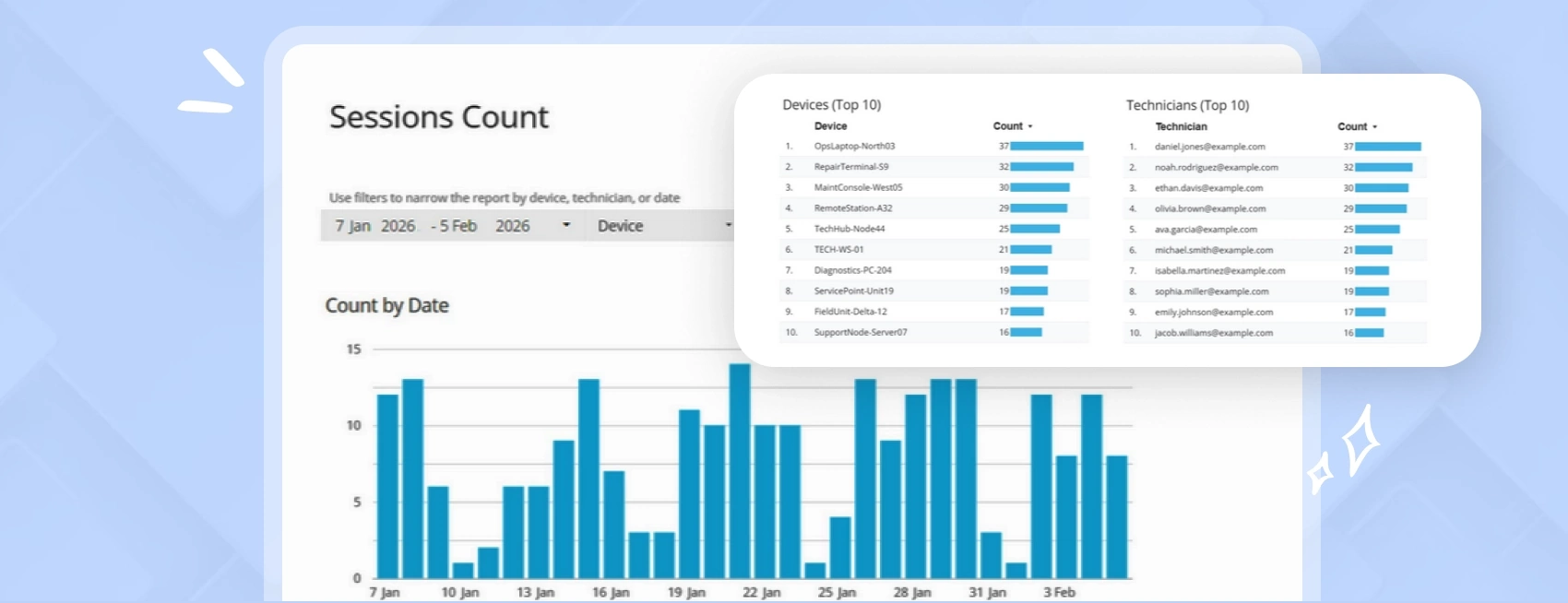
Instead of guessing, you can now build structured insights based on real usage data.
How it works:
- Data is extracted via API
- Stored in your preferred data layer
- Visualized in external tools (e.g., dashboards, BI systems)
Result:
You get better visibility into team workload, enabling faster decision-making and more efficient day-to-day operations.