Getscreen.me Q3 2026 Updates: Wayland, File Transfers & Security
This quarter’s biggest update is native Wayland support for Linux agents. We also improved file transfers and continued preparing the Self-Hosted version for security certification.
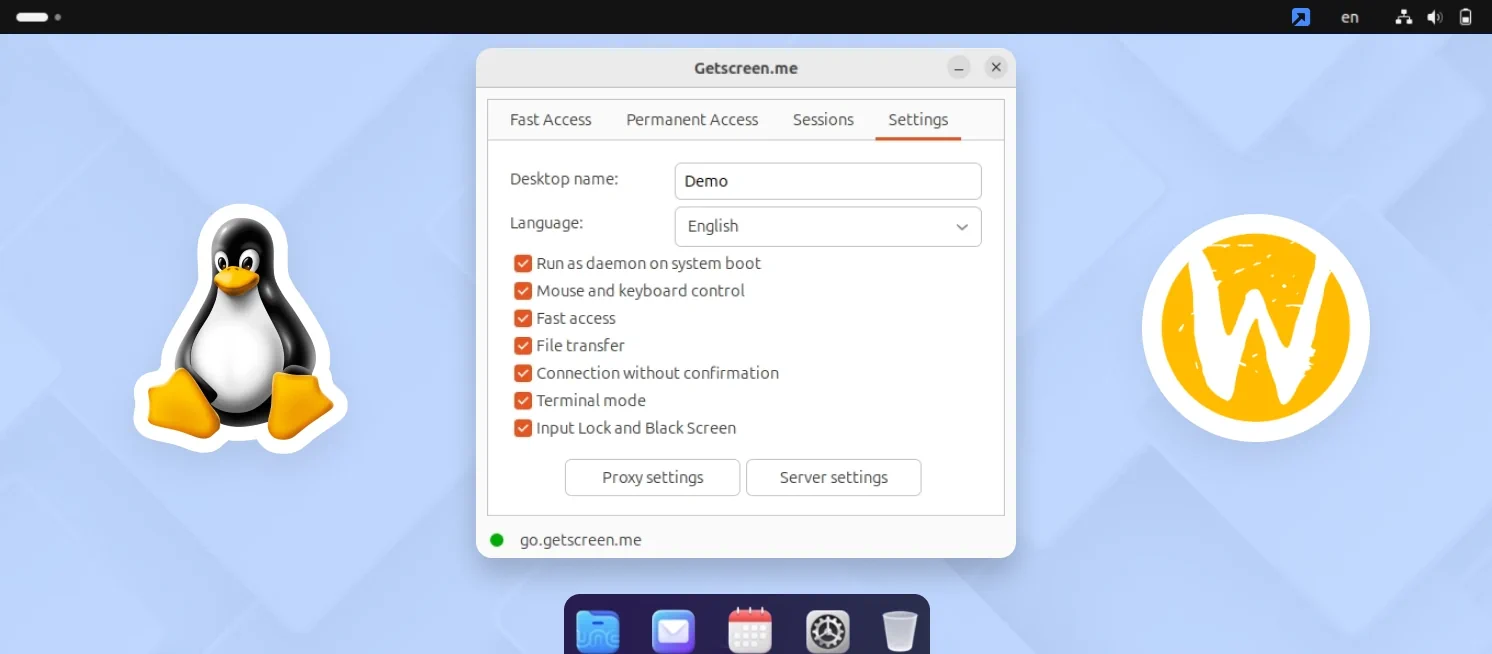
Wayland Is Here: Full Remote Access for Linux Desktops
Getscreen.me Agent now supports Wayland across major Linux distributions, including Debian, Ubuntu, Red Hat, Fedora, and SUSE. IT teams can work with modern Linux desktops while keeping the same remote support and administration workflows.
The update retains the key Getscreen.me capabilities available for Linux:
- Permanent Access and Quick Support
- File management and Terminal Mode
- Remote screen viewing and control
- Multi-monitor support
- Concurrent connections
Available starting with Agent version 1.8.378, the update makes it easier to manage developer workstations, business desktops, engineering systems, and other Linux-based devices from one platform.
Resume Interrupted File Transfers
File Manager can now resume interrupted uploads and downloads instead of restarting them from the beginning.
This is especially useful when transferring large files or working with unstable connections. Once the connection is restored, the transfer can continue from where it stopped, saving both time and bandwidth.
Moving Self-Hosted Toward Security Certification
We continued preparing the Self-Hosted version of Getscreen.me for security certification. This certification is an important step for large enterprises and government organizations, which often require formal security assessment before remote access software can be approved for internal use.
As part of this work, we introduced additional controls for account protection, password policies, and technician activity monitoring:

Automatic removal of inactive accounts
Reduce security risks by automatically deleting accounts that have not been used for a specified period.

Minimum and maximum password age
Control how soon users can change their passwords and how long passwords remain valid before an update is required.

Custom password requirements
Define password complexity rules according to your organization’s internal security policy.

Enforced two-factor authentication
Require technicians to enable 2FA before they can access the system.

Extended technician activity logs
Access more detailed records of technician actions for internal monitoring, security reviews, and audits.
These improvements are designed to help organizations apply stricter access policies and meet the security requirements of regulated and enterprise environments.